


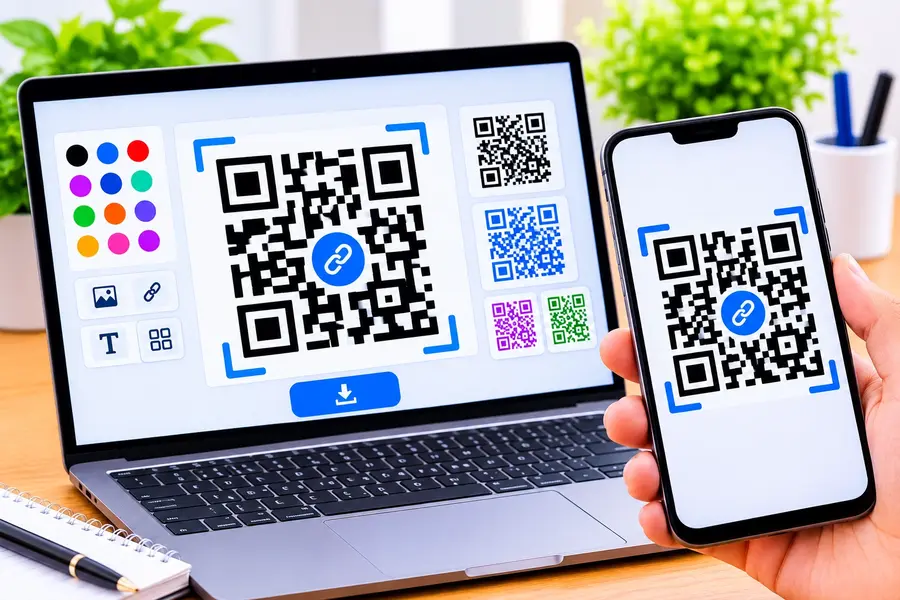

In this digital age, it’s more crucial than ever to reach your audience rapidly, no matter how large or small your business is. Creating a custom QR code online is a simple yet powerful method to seamlessly connect physical and digital content.
The past of QR codes being boring, dull, and square is over! Modern tools provide a great design flexibility, enabling you to include logos, colors, and special patterns that are ideal for your brand identity.
This all-inclusive article will show you how to make the best branded QR code that performs well in real-world scenarios and looks professional. There are a variety of practical tips to help you through this article, from the basics of how generators work to avoiding common pitfalls.
What Is a Custom QR Code Generator Online?
Online QR code generators allow you to make your own QR code without downloading anything or having to pay a professional designer. They usually have user-friendly interfaces that let you enter your URL or contact details, then tweak the design to suit your requirements.
While basic creators will generate generic QR codes, an online QR code generator allows you to design your QR codes with complete freedom of colors, shapes, logo placement, and error correction levels. This personalization allows your QR codes to be more noticeable on your business cards, product packaging, restaurant menus, and promotional materials.
How Does an Online QR Code Generator Work?
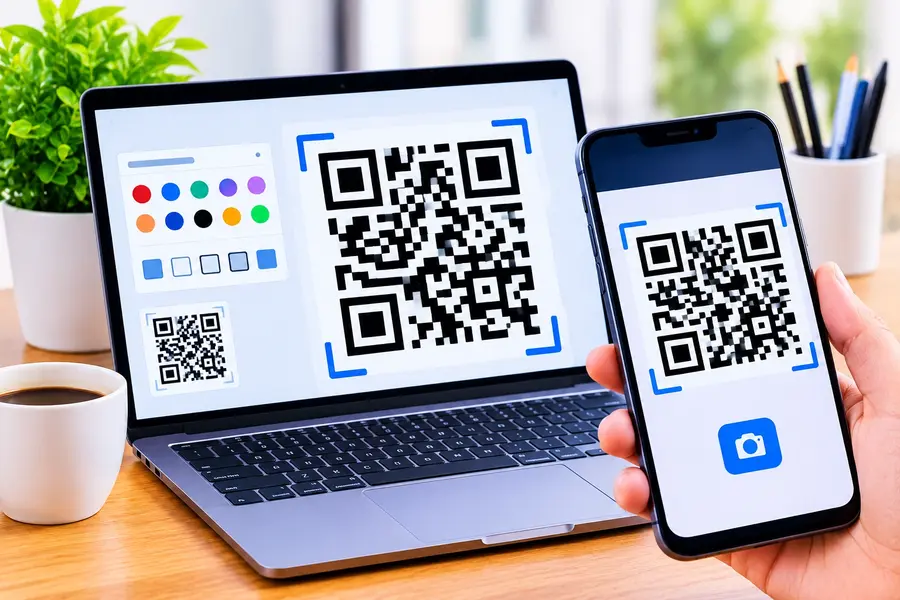
The basic principle behind all QR code generators is an encoding algorithm that translates the content you input into a matrix of modules that can be read by a smartphone camera. As you type a URL or paste your contact information, the program assigns you a unique pattern, and stores the data horizontally and vertically.
Once the basic code has been created, the customization layer enables you to change the visual components of the code without affecting the ability to scan and read the code. The generator adjusts the contrast of the colour, adds your logo and applies error correction to minimize distortion of the code if part of it is concealed.
Why Should You Create a Custom QR Code?
A custom QR code is a great way to increase brand awareness, as it makes a QR code a brand extension that represents your company. Your logo and brand colors are in a code and when customers see it, they instantly believe that it’s your business and are more likely to scan.
In addition to looks, custom QR codes can generate more scans than standard QR codes due to their ability to catch and elicit real curiosity. A well crafted code on a product label or event poster can engage, something that a plain square can’t do.
Important Features of a Good QR Code Generator
Choosing the right platform matters because not all generators offer the same level of quality and reliability for professional use. Before committing to a specific tool, make sure it includes the following essential capabilities that will help you produce outstanding results.
- High-resolution downloads ensure your QR codes look crisp whether printed on a tiny business card or a large billboard, so always look for SVG or PNG export options that preserve visual quality at any scale.
- Logo embedding tools let you place your brand mark directly in the center of the code, and the best generators automatically adjust error correction levels to maintain reliable scannability around the embedded logo area.
- Color customization options go far beyond simple foreground and background changes, allowing you to use gradients, brand-specific hex codes, and patterned fills that make your codes visually distinctive and memorable.
- Dynamic code support enables you to change the destination URL after printing, which is invaluable for long-running campaigns where linked content may need periodic updates without the cost of reprinting materials.
Analytics dashboards provide real-time data on scan counts, geographic locations, device types, and time stamps, giving you actionable insights to measure campaign performance and optimize your future marketing strategies.
How to Create a Custom QR Code Online: Step-by-Step Guide
Even the type of platform used for Generation 2 matters, because not all of them are not of the same quality and reliability for professional use. If you’re thinking about purchasing a tool, ensure it has all of the required features to deliver superb results.
When downloading QR codes, be sure to choose high-resolution sizes to ensure that your codes maintain a sharp look whether printed on a small business card or an enormous billboard, and always opt for SVG or PNG export options that retain the visual quality at all scales.
There are tools that can embed your logo and put it at the center of the code, and the best logo generators automatically adjust their error correction levels to ensure the reliable scannability of the logo area, so you can rest assured that you won’t have to worry about it.
There are more than just foreground and background options to customize colors; you can also use gradients, brand-specific hex codes and patterned fills, making your codes memorable and visually unique.
Different Types of QR Codes You Can Create
Analytics dashboards give you real-time insight into how many times scans are happening, where they are happening, what devices are responsible, and when, so you can make decisions about campaign performance and how to optimize your next marketing campaign.
Creating a QR Code is a simple and easy process.Making a QR Code is a simple and easy procedure.
Benefits of Custom QR Codes for Businesses
Then select what you would like your QR code to go to, like a website address, vCard, WiFi password, or social media profile. Fill in the details carefully, checking for spelling mistakes the scanner may get confused if it has a spelling error.
- After you’ve entered your data, it’s time to choose colors, shapes, frame styles and logo placement to meet your brand guidelines. Most generators offer a live preview to see what the final code will look like before downloading it.
- Lastly, save your QR code in the correct file format and thoroughly test your QR code with multiple smartphones and scanning apps before sharing with viewers. Testing helps to make sure your creatively crafted code is actually working in real light and camera conditions.
- There are various types of QR codes that you can create.There are several kinds of QR Codes that you can make.
- Today, there are many different types of QR codes available to store more than just a website URL. You can develop codes for accessing Wi-Fi network, composing emails, creating SMS message, organizing calendar events, downloading applications, and even cryptocurrency wallet addresses.
- URL codes are the most common for websites with landing pages, vCard codes for digital business cards and menu codes for restaurant contactless ordering. These each have a different function and if you take time to understand the needs of your audience, you will be able to select a format that will benefit them.
How QR Codes Improve Marketing and Customer Engagement
When you take the time to make a well-designed QR code, you may reap rewards in many aspects of your business and marketing. Let’s take a look at some of the most effective practical benefits offered by custom QR codes for businesses of all sizes.
QR codes on physical products seamlessly link to tutorials, reviews or re-order pages, removing friction between discovery and action, and promoting customers to reorder.
Tips for Designing Attractive and Scannable QR Codes
Custom QR codes lend a touch of elegance and professionalism to contactless interactions, which have become a common feature in restaurants, retail stores, and healthcare settings, rather than being hastily improvised.
With trackable campaign performance, marketing teams can track how many people each code is scanned by, by which time, and from where, making offline campaigns more digital.
By creating codes that resonate with their thoughtfulness and their dedication to modern, user-friendly experiences in all touchpoints, they enhance the customer’s perception of the brand.
Common Mistakes to Avoid When Creating QR Codes
QR codes are a powerful medium to connect offline advertising with online conversion funnels, and can make any print copy interactive and engaging. A magazine ad featuring a custom QR code can take a reader to a product page or even a discount coupon or even an exclusive video immediately.
QR codes also ‘activate’ your audience from an engagement perspective – when consumers scan a QR they are taking a physical action which has a more powerful impact than just being able to look at it. This interactive component ensures your customers have a greater chance of remembering your brand, and taking the next action.
Static vs. Dynamic QR Codes: What’s the Difference?
Knowing the difference between these two code types is key to any serious business project before you begin creating QR codes. Static codes contain information directly in the code, and they are not able to be modified, whereas dynamic codes have a redirect URL you can edit at any time in your dashboard.
| Feature | Static QR Codes | Dynamic QR Codes |
| Data Storage | Information is embedded directly in the code pattern | Uses a short redirect URL that points to your content |
| Editability | Cannot be changed after generation | Destination URL can be updated anytime without reprinting |
| Analytics | No built-in tracking or scan data | Full analytics including scan counts, locations, and devices |
| Best Use Cases | Permanent information like Wi-Fi passwords or personal vCards | Marketing campaigns, product labels, and time-sensitive promotions |
| Cost | Usually free on most generator platforms | Often requires a paid subscription for advanced features |
| Lifespan | Works indefinitely as long as the data remains relevant | Remains functional as long as your subscription is active |
Are Online QR Code Generators Safe to Use?
While the QR code generation service is generally safe and secure to use, it is important to select a reputable service with a transparent privacy policy and positive user reviews. Don’t use obscure sites that ask for too much personal information or have hidden redirects in the codes generated.
Related article: WhatsApp Search Chats and Channels: Find Chats & Channels Faster
If you are using dynamic codes, keep in mind that the data will go through the generator’s servers, so it’s essential to choose a provider that has robust security and uptime measures in place. Careful reading of the terms of service will clarify how data is being kept, and what will happen if you cancel.
Start Creating Your Own Branded QR Code Today
An online QR code generator allows companies and individuals to design a QR code that is more than just a link or short, standard text.
| QR Code Generator |
|---|
| Custom QR Code Branding |
| QR Code Marketing |
With thoughtful design and strategic placement, you can transform every product label, business card and marketing flyer into an interactive gateway that creates real engagement.
When creating your QR code projects, keep in mind to focus on scannability and functionality over style, test all codes before use and use dynamic codes when flexibility is key. Custom QR codes will be one of the most flexible and inexpensive resources in your marketing toolbox, with the proper approach and a dependable power source.