



It’s really stressful when you do not have access to your own profile. There are many individuals who will need to find out how to recuperate from Instagram account without password because they have actually forgot their details.
You may feel the loss of your special photos and messages are lost forever. But credentials do get lost by thousands of active users each day. The recovery system provides recovery in an easy to follow manner.
Today you don’t need any technical knowledge to solve this problem. A friendly guide to show you how to do it explained in simple words. You can follow along and easily unlock your personal account.
Can You Recover an Instagram Account Without a Password?
Yes, if you don’t have your old password you can recover your profile. People forget their secret words or lose their notes that they have saved in the system, so the system knows that. Only personal information needs to be verified, through linking.
The platform verifies your contact information to determine if you’re the owner. Use of an active electronic mail or personal phone number is allowed. The verified tools enable the app to send you a secure login code.
Related Article: Hide Apps from App Drawer on Android – Ssk Hide App Me
It’s also possible to start the recovery process by logging in to your public profile name. Your user name assists the system in searching for your account in the big database. When the app is able to identify your profile, it gives you the options for recovery.
Your connected contact information is crucial to your overall recovery. If the information that you’ve linked is current, the process takes place very fast. Maintaining the recovery channels helps you have a smooth account recovery.
Ways to Recover Your Instagram Account Without a Password
| Recovery Method | Information Needed | When to Use It |
| Email Recovery | Registered email | When email is accessible |
| Phone Recovery | Registered phone number | When the number is active |
| Username Search | Instagram username | When the username is known |
| Facebook Login | Linked Facebook account | When both accounts are connected |
How to Recover an Instagram Account Without Email or Phone Number
It’s a problem if you lose both your phone and your email! Even if you are not able to get on those accounts, there are official alternatives. Meta has an enhanced verification process for those users who require additional support.
To start this alternate process, tap for help on the login screen. You can choose the one that requests more support in access accounts. This will take you to a form for lost credentials users.
If you’ve added photos of yourself to your profile, you can record yourself. The idea is that you will make a video selfie by turning your head. The videos are compared to the photos you have shared with an automated tool and support staff.
If you’re unable to provide any pictures of yourself, then you’ll have to supply security questions. You might need to give your previous device name or the year that you registered the device. The detailed examination prevents unauthorized individuals from taking over your personal information.
Always have a fresh new email address that you can reach out to. The team looks through your information and provides you with a safe link. That link can be used to create your new login.
How to Recover a Hacked Instagram Account
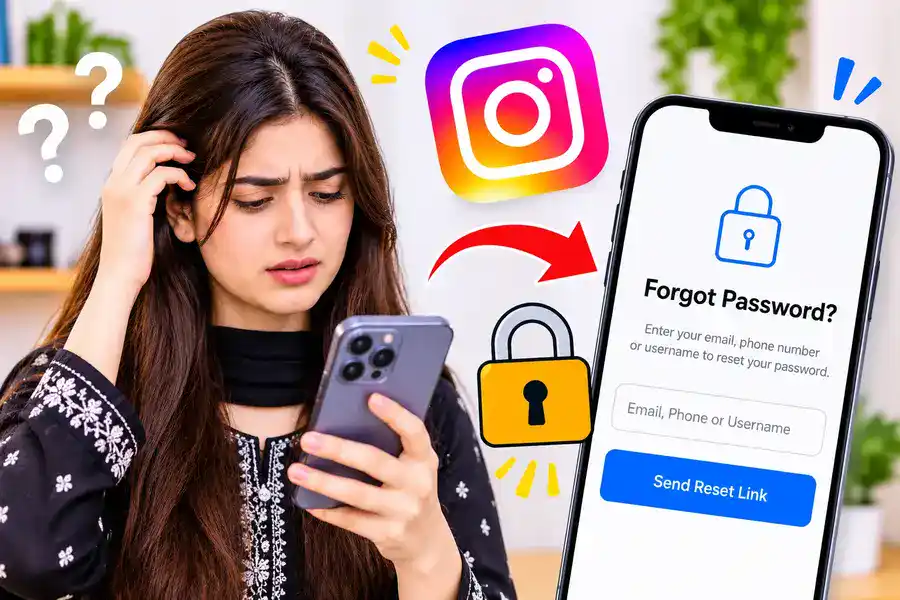
It’s frightening to discover that someone has accessed your account. You should immediately take action if your information has been changed by someone you do not know. The faster you move, the lesser the chances that the intruder can permanently lock your profile.
Please first check your email inbox for a message from security. You will be notified of changed settings if someone changed your address. Click the “Undo” button and return to your original e-mail.
If that’s not the message, head over to the website dedicated to recovering. Meta offers a reference guide that’s dedicated to solving any hacked account. The web tool can be used to request verification of your identity.
You will have to log in using your login or ask for a digital key. Also, a brief voice-over may be required for identification. After the system approves your request, you’ll have full control back once again.
Once you’re able to log in, check your account settings thoroughly immediately. Look within the settings of your profile for any unusual phone numbers or addresses. If you get rid of the illegal contact details, the hacker won’t be able to get into your private area.
Step-by-Step Instagram Account Recovery Guide
If you follow instructions, you’ll have an easy, comfortable recovery. Have cell phone close by for checking each step of the instructions. Be careful, filling in each screen with all the correct details.
- From the mobile app, navigate to the text below the logon boxes. Click the small link to get assistance logging into your account. This will start the official recovery assistant utility.
- Type in your public name, registered email address or your connected phone number. Please note spelling when tapping the next button. It searches its database, looking for your matching profile.
- Choose how you would like to receive your official security link. You can choose from between an email message or a direct text message. Be sure you can use that selected method of communication.
- Look in your messages to see the code sent by Meta. Pay attention to the numbers and enter them into the verification screen. This will help the system to believe that you are the real person.
- Use the on-screen instructions to come up with an entirely fresh secret word. Select a new phrase you can use for great security. After completion, you’ll be able to log back in and check out your home feed.
Important Tips to Keep Your Instagram Account Safe
Stressful lockouts are prevented by keeping your account secure. It only takes a few minutes of every day to develop safe online habits. Here are a number of practical steps to take in order to protect your social account properly.
- Make a secure password that is hard for others to guess. For high safety use a combination of letters, numbers and symbols. Don’t give this secret login code to anybody else outside the company.
- ENABLE 2FA, an additional protective wall. When you log in for the first time with this tool, it will ask you for an approval code to log in. Even if they figure out your secret password, it will prevent them from entering.
- Use a separate password for your password-protected email account. Many of your favourite apps can be reset with your e-mail. Locking your inbox is a way of securing all of your connected accounts.
- Never click a link in a private message from someone you don’t know! Scammers email fake alerts in order to steal your personal user information. No Support staff will request your private verification code.
- Make sure to review your login alerts from time to time in the security menu. The system notifies you if there is any access to your account data by an unknown device. Reading these notifications helps you to remain 100% private.
Common Problems During Instagram Account Recovery
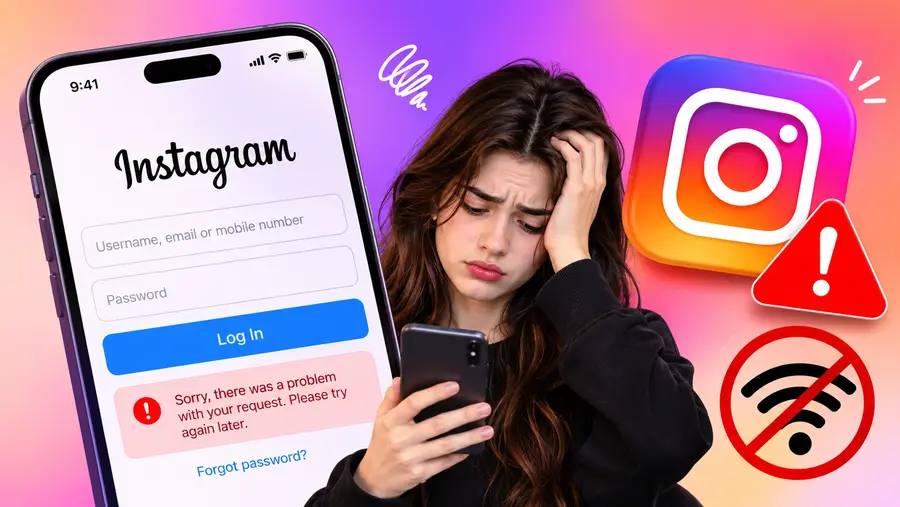
There may be some barriers you’ll encounter as you attempt to regain entry. These errors may appear confusing, but there are simple fixes to each problem. The following are some common problems and you should be able to solve them with great confidence if you know them.
A common problem is failing to receive the 6 digit confirmation number. This delay occurs because messages are blocked by your phone carrier from computers that are sending automated messages. Your mobile phone can be turned back on or a new code can be requested.
The other difficulty occurs once you do not make use of your old number anymore. If the number is registered as inactive you will not be able to see the incoming sms message. To change your recovery option, you need to select it as your active email address.
In some cases, the old email inbox can be shut and users are looking for an alternative. If you can’t, click on more help. This option will enable you to prove yourself using other means.
A login message may also appear of “Your user name is not known.” The issue occurs when you enter a mistake in your account’s name. Please have a friend review spelling on follower list.
How to Protect Your Account After Recovery
It’s great to get back to your profile, but you’re not done yet. There are immediate measures to take to secure your “digital space. Here are the key points that will ensure that your account remains 100% secure.
- Change password immediately to a new, un-used phrase. If you change the combination you’ll never give it to anyone who had a key before because they won’t know the new combination. Keep this confidential information in a secure area.
- Take a look at the private and security settings and review your log in activity. This page displays all your personal profile’s smartphones, computers and tablets. Click anywhere if you don’t recognize it and you will automatically log out.
- If you have a history of your device, check it out and remove unknown hardware immediately. If you remove devices that you don’t own, your profile will be safe from remote access. This is a clean set up to ensure that only trusted devices are active.
- Be sure to refresh your contact information so that your number and e-mail address are accurate. Clear away any bizarre email addresses, phone numbers that have been left by unauthorized people there. Correct information assures you of getting your security alerts.
- Enable 2 factor authentication with a good mobile authenticator app. An authenticator app generates dynamic logins codes, which provides maximum security. This is extremely useful to stop intruders and to be secure in the long-term.
Everything You Need to Know About Insta Password Security
Forgotten logins can be upsetting, but it’s possible to recover your account. Official recovery techniques can be used to recover your social profile. Always use the appropriate steps and follow the safest route.
Last but not least, you might have lost the ability to recover your link. These reset links are short-lived so that outsiders can’t hijack your user session. Should a link expire, just click on it again via the login screen.
| Insta password finder |
|---|
| Insta password recovery |
| Insta saved password |
Do not trust a third party website or strangers that claim they can unlock accounts for a fee. Fraudsters are always looking for ways to defraud people of money using false guarantees. No third-party recovery is involved in official recovery it is always handled on the platform of Meta.
After regaining access, make sure to use two-factor authentication and current information for your profile. Contact information keeps up to date, you will have smooth browsing each day. You can now enjoy moments again with your online friends in a happy manner.